Camera feature
Find what happened in seconds.
The Vigila box connects your existing cameras to the tablet at the till. After a theft, you search by time and clothing colour, mark the person and send the police a ready-made evidence package.
- Works with almost any IP camera
- Footage stays in the shop
- No facial recognition



From incident to evidence in four steps
- 1
Search
Choose the day, time, camera and clothing colour. Vigila shows only the moments when people are in the picture.
- 2
Mark
Set the still to the right second and drag a frame around the person with your finger. Everything outside is pixelated.
- 3
Secure evidence
One tap creates the police package: video, stills, marked person, report and checksums, password-encrypted.
- 4
Warn the neighbours
After an offence, the image of the person goes into your warning, taken from the camera or photographed directly with the tablet. Shops nearby recognise them.
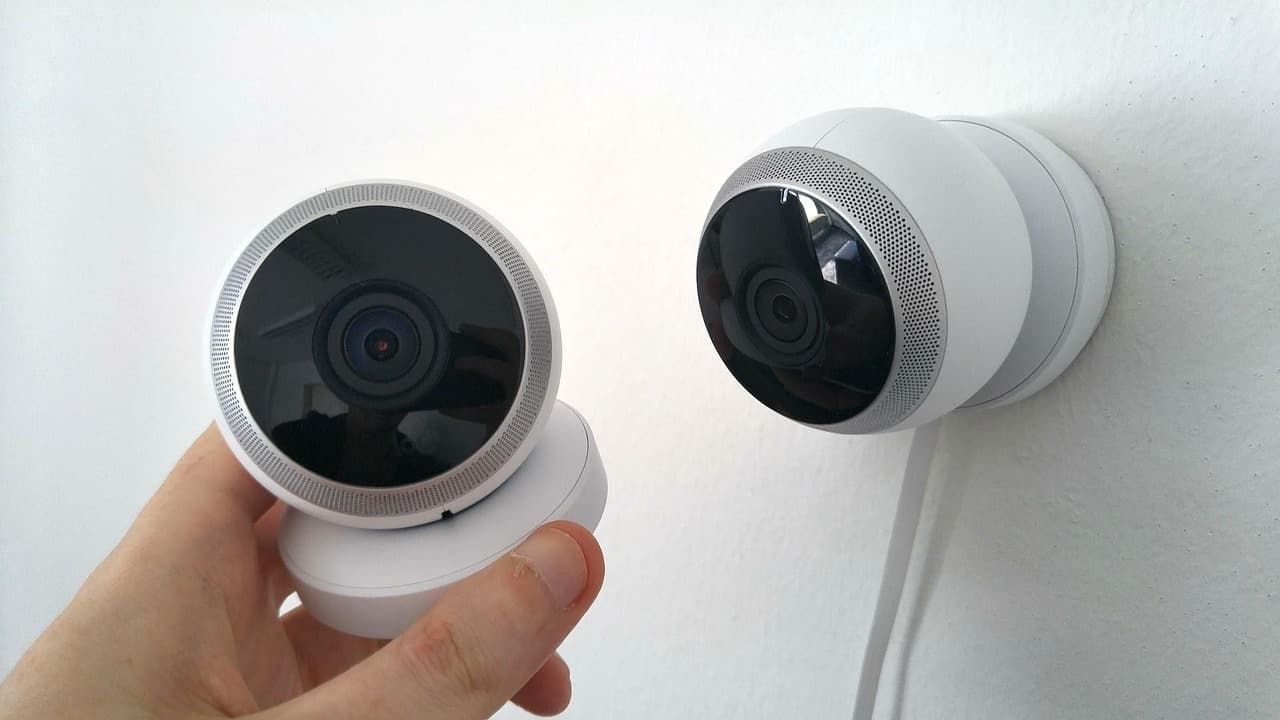
The Vigila box
A small, quiet computer next to your camera system. We deliver, install and maintain it. You don’t have to set anything up.
Fits your cameras
Works with almost all IP cameras and recorders that support RTSP. No new cameras needed.
Encrypted in the shop
Every minute is encrypted straight away. Footage goes neither to the internet nor to any AI service.
Deletes itself
After 8 days, recordings and packages are gone automatically. Keeping them longer is not possible, not even by mistake.
Only your tablet
The box talks only to your shop’s paired tablets, over an encrypted connection on the shop Wi-Fi.
What the police receive
An encrypted ZIP package that you hand over by email or USB stick. You pass on the password separately, for example by phone.
- Original video without re-encoding
- Three stills from the period
- Cut-out of the marked person
- Report with camera, period and case number
- SHA-256 checksums for every file
Clear rules for images of people
- No facial recognition, no biometric data, no matching between shops
- An image in a warning only after an offence, expressly confirmed by the shop
- No publication on social media
- Other people in the cut-out are made unrecognisable automatically
- Only shops nearby see the image, watermarked and without screenshots
- Every view is logged
- The image disappears with the warning, after 30 days at the latest
Frequently asked questions
Does it work with my cameras?+
Very likely. The box only needs the RTSP video stream, which almost all IP cameras and recorders provide. We check your system during the demo.
Does Vigila recognise faces?+
No. The box only detects that a person is in the picture, where, and the approximate colour of their clothing. Nobody is identified automatically or recognised across days or shops.
Who can see the footage?+
Only your shop’s tablets. Neither the Vigila team nor other shops have access. Other shops see at most the image of a person that you yourself add to a warning after an offence.
What do I need to observe in the shop?+
Information signs at the entrance, and cameras pointed only at your own sales areas, not at the street, changing rooms or break rooms. We provide signs and guidance.
How long is footage kept?+
8 days at most. After that the box deletes it automatically, including police packages.
See the camera feature live
We show you the box and tablet in your shop and check whether your cameras fit. No obligation.
Request a demo